Free PDF templates. Edit and download.
Pick a template, change the words, colours and fonts in your browser, and download a PDF. No account, no watermark, and your documents never leave your device.
Business
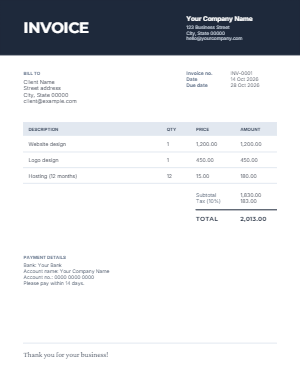 InvoiceBill clients with items, tax and payment details
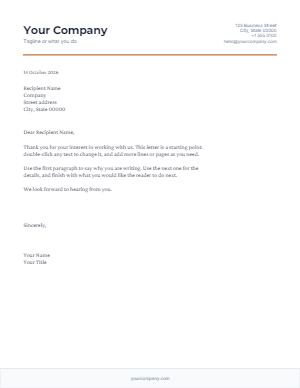 LetterheadYour business name and details on every letter
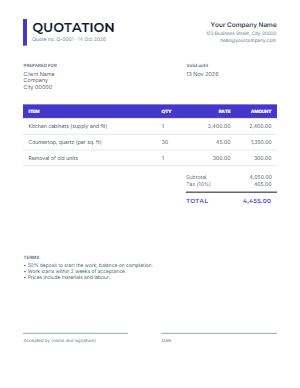 QuotationPrice a job before you start
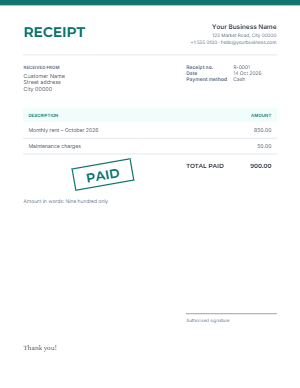 ReceiptConfirm a payment, with a paid stamp
Jobs
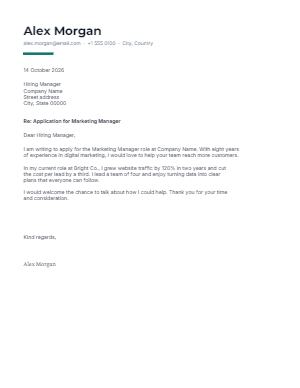 Cover letterA matching letter for your applications
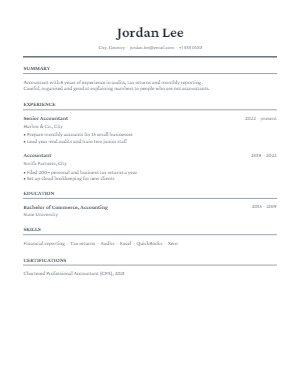 Resume (classic)A simple one-column layout
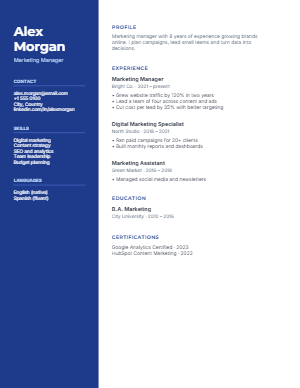 Resume (modern)Two columns with a coloured sidebar
Events & school
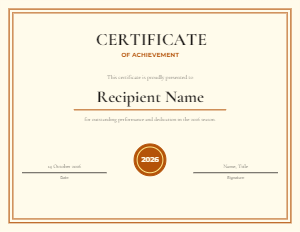 Certificate
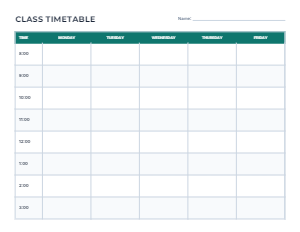 Class timetable
 Event flyer
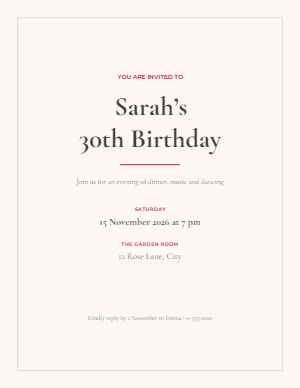 Invitation
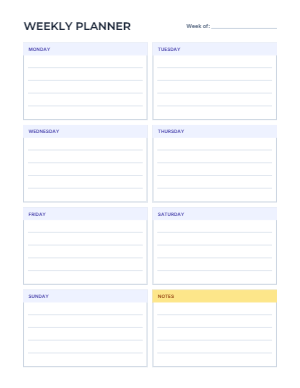 Weekly planner
How it works
-
Step 1
Open it
Click Edit this template. It opens in the editor, ready to change.
-
Step 2
Make it yours
Double-click any text to type over it. Drag things to move them, and use the toolbar for colours, fonts and pictures.
-
Step 3
Download
Click Download to save your PDF. Nothing is uploaded.
Free tools
- Create PDFInvoices, resumes and more from templates
- Sign PDFDraw your signature and place it
- Fill & add textType on forms and tick boxes
- Merge PDFCombine PDFs and images
- Organize pagesRotate, delete and reorder
- Split PDFExtract pages or split into files
- Redact PDFRemove private information
- Compress PDFMake a PDF smaller
- JPG to PDFTurn photos into a PDF
- Compress & convert imagesJPG, PNG and WebP
- HEIC to JPGConvert iPhone photos
Exact sizes & exam forms
Shrink a file to the size a form asks for, in one click.