Free quotation template. Price the job, download as PDF.
A clear quote for tradespeople, contractors and small businesses. List the work with quantities and rates, add your terms, and download a PDF your client can sign and return.
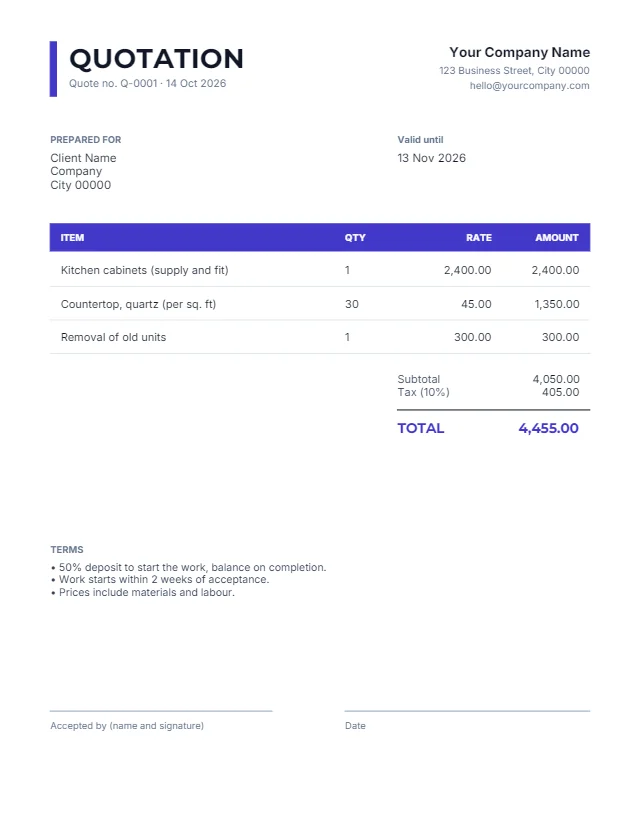
What’s included
- Your company details and a quote number
- Who it’s prepared for and how long it’s valid
- Items with quantity, rate and amount
- Subtotal, tax and total
- Terms and an “Accepted by” line
Free · No signup · Nothing uploaded
How it works
-
Step 1
Open it
Click Edit this template. It opens in the editor, ready to change.
-
Step 2
Make it yours
Double-click any text to type over it. Drag things to move them, and use the toolbar for colours, fonts and pictures.
-
Step 3
Download
Click Download to save your PDF. Nothing is uploaded.
About this template
The quotation shows your company details, the quote number and date, who it’s for and how long the price stands. A table lists each item with its quantity, rate and amount, followed by the subtotal, tax and total, your terms, and a line for the client to sign and date.
The sample prices a kitchen fit, but every word can change. Clear terms (deposit, start date, what’s included) save arguments later, and a “Valid until” date stops an old price being held against you.
What’s the difference between a quotation and an invoice?
A quotation is sent before the work, to agree a price. An invoice is sent after, to ask for payment. When the job is done, the invoice template has the same look.
Does it add up the amounts?
Not yet. The numbers are text, so type each amount, the subtotal, tax and total yourself, and check them before you send the quote.
Can I add or remove rows?
Yes. Click an item and press Ctrl+D to duplicate it, then drag the copy into place. Click anything you don’t need and press Delete.
Is anything uploaded?
No. The template opens in your browser and the PDF is made on your device. Nothing you type is sent to us or anyone else.
Related templates
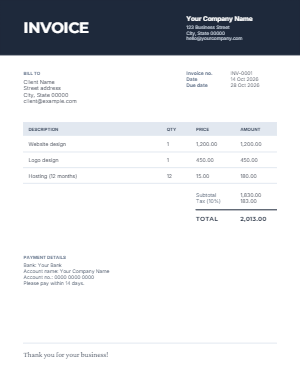 Invoice
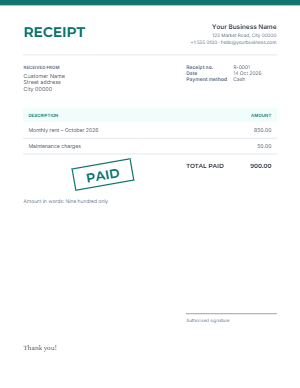 Receipt
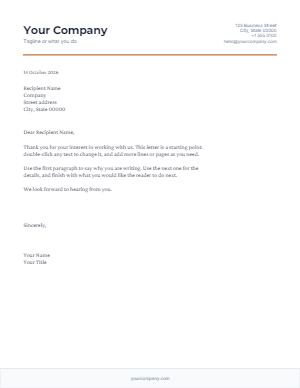 Letterhead
Free tools
- Create PDFInvoices, resumes and more from templates
- Sign PDFDraw your signature and place it
- Fill & add textType on forms and tick boxes
- Merge PDFCombine PDFs and images
- Organize pagesRotate, delete and reorder
- Split PDFExtract pages or split into files
- Redact PDFRemove private information
- Compress PDFMake a PDF smaller
- JPG to PDFTurn photos into a PDF
- Compress & convert imagesJPG, PNG and WebP
- HEIC to JPGConvert iPhone photos
Exact sizes & exam forms
Shrink a file to the size a form asks for, in one click.