Free cover letter template. Edit online, download as PDF.
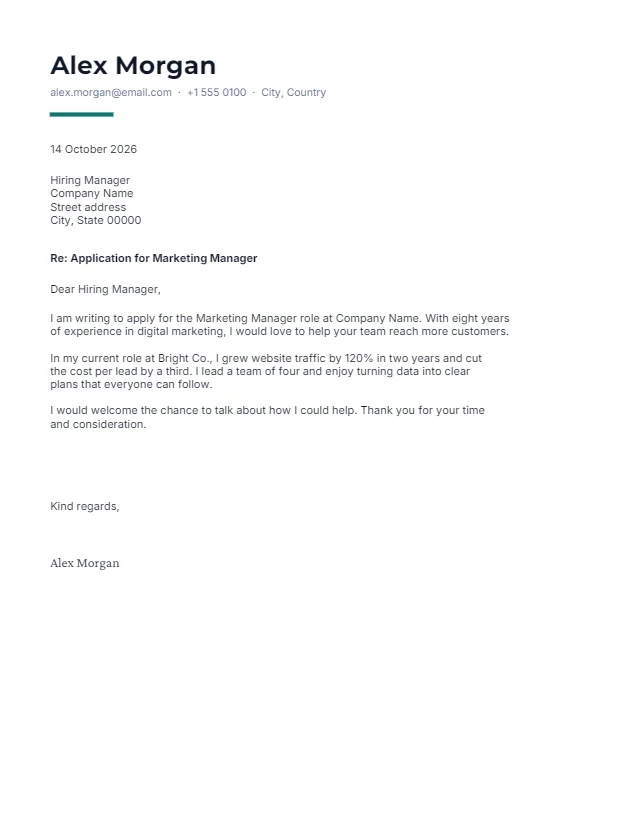
A clean cover letter to go with your resume, with your contact details, the job you’re applying for and three short paragraphs. Write it in your browser and download a PDF.
What’s included
- Your name and contact details
- Date and the employer’s address
- A “Re:” line for the job title
- Three paragraphs: why, what you’ve done, next step
- A sign-off with your name
Free · No signup · Nothing uploaded
How it works
-
Step 1
Open it
Click Edit this template. It opens in the editor, ready to change.
-
Step 2
Make it yours
Double-click any text to type over it. Drag things to move them, and use the toolbar for colours, fonts and pictures.
-
Step 3
Download
Click Download to save your PDF. Nothing is uploaded.
About this template
The letter has your name and contact details at the top, the date, the hiring manager’s address, a line naming the job, a greeting, three paragraphs and your sign-off. The sample is written for a marketing manager role.
Keep it short. Say which job you want and why in the first paragraph, give one or two real results in the second, and ask for a conversation in the third. Change the company name every time you send it.
Does it match a resume?
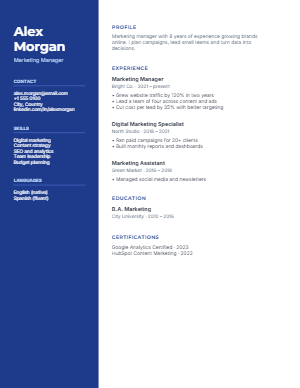
It’s written for the same applicant as the modern resume, with the same name and contact line. Change its accent colour to your resume’s to make a set.
How long should a cover letter be?
Three or four short paragraphs, well under one page. Recruiters skim, so lead with the job and your best result.
Can I send it as one file with my resume?
Yes. Download both PDFs, then put them together with Merge PDF, cover letter first.
Is anything uploaded?
No. The template opens in your browser and the PDF is made on your device. Nothing you type is sent to us or anyone else.
Related templates
 Resume (modern)
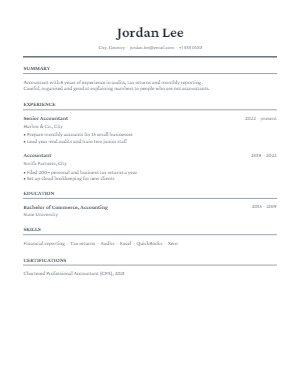 Resume (classic)
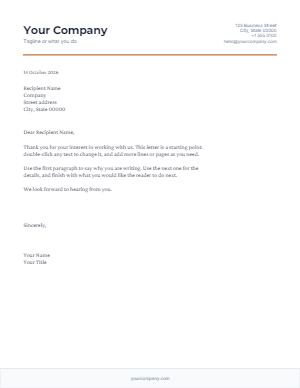 Letterhead
Free tools
- Create PDFInvoices, resumes and more from templates
- Sign PDFDraw your signature and place it
- Fill & add textType on forms and tick boxes
- Merge PDFCombine PDFs and images
- Organize pagesRotate, delete and reorder
- Split PDFExtract pages or split into files
- Redact PDFRemove private information
- Compress PDFMake a PDF smaller
- JPG to PDFTurn photos into a PDF
- Compress & convert imagesJPG, PNG and WebP
- HEIC to JPGConvert iPhone photos
Exact sizes & exam forms
Shrink a file to the size a form asks for, in one click.